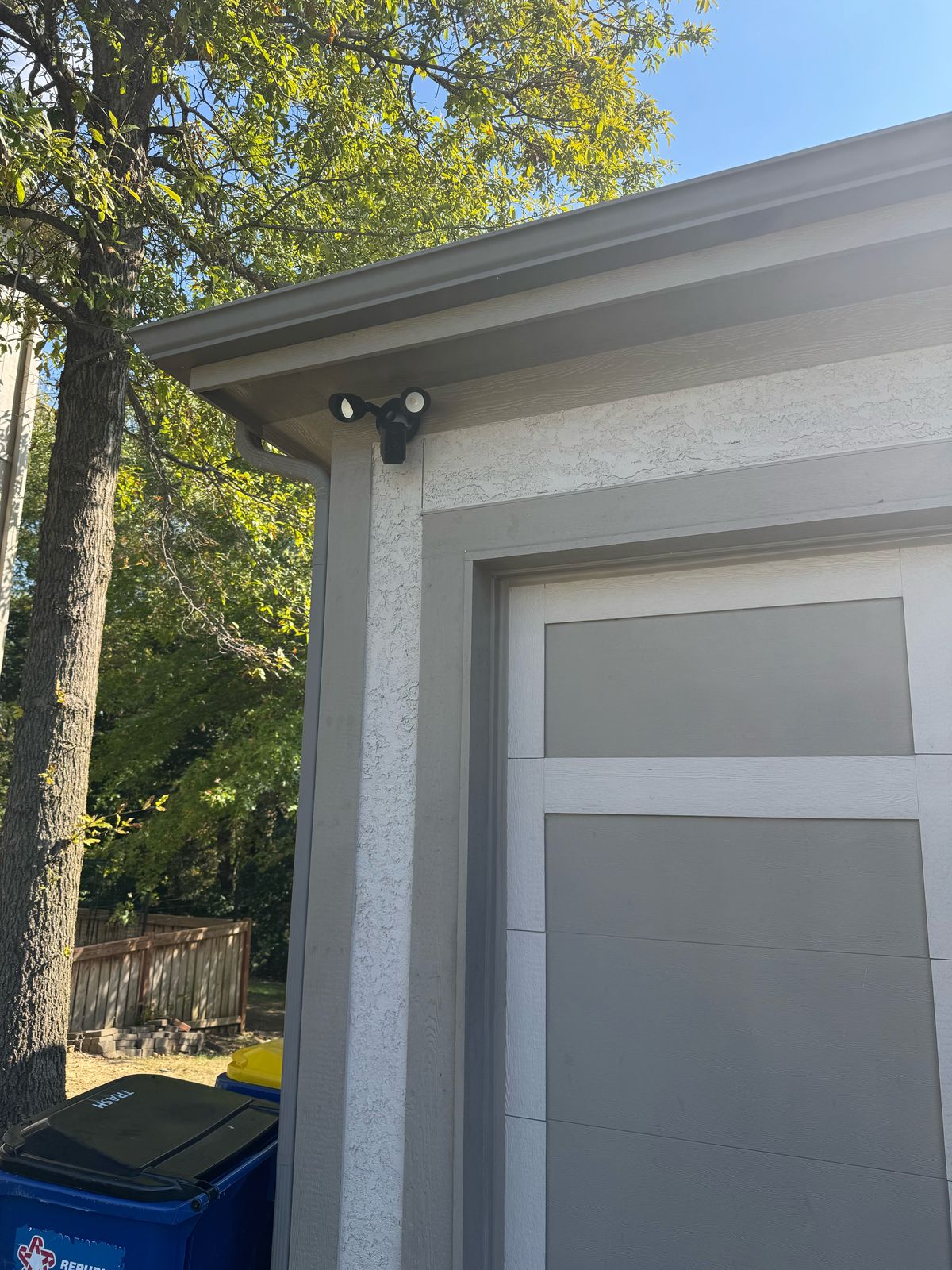
The spot above the garage door sees more of your home than any other camera location. It covers the driveway, the cars, the side of the house, and whoever walks up at 2 a.m. It is also the spot where most DIY camera installs go wrong. A Ring camera above the garage in a Kansas City home takes a little planning: power, Wi-Fi, height, and where the motion zones point.
Call or text (913) 674-9723 with a photo of the front of your garage and tell me what is up there now, such as a light fixture, a plain wall, or an old camera. I will tell you which setup fits.
You want to see the driveway, not just get alerts
Most people who call me already have a doorbell camera. Then a package goes missing from the driveway, or a car door gets tried overnight, and they realize the doorbell cannot see the driveway. Homeowners in Lenexa, Overland Park, Olathe, Shawnee, and Leawood tell me the same thing: they want to open the app and actually see what happened, clearly, without 40 false alerts from cars driving by.
Why the garage is harder than it looks
Above the garage seems simple until you are on the ladder. Four things decide whether the camera works well or just sort of works.
1. Power
This is the big one. A battery camera above a garage means climbing back up a ladder to swap batteries, usually in January. Solar panels help in some spots, but a north-facing garage or one under a deep overhang may not get enough sun. A hardwired camera, like a Ring floodlight camera wired where an outdoor light fixture is now, never needs a battery change.
Many KC homes already have a fixture or two by the garage door. If there is a working fixture with a proper box behind it, a wired floodlight camera can often go right there. If there is no fixture or box where you want the camera, I will tell you what it takes before any work starts.
2. Wi-Fi
Your router is probably in a basement or an office on the other side of the house. The garage is often the weakest Wi-Fi spot you have, and a camera on a weak signal drops out, lags, or misses the start of a clip. I check the signal at the exact mounting spot before anything goes up. If it is weak, we talk about a fix first, not after. My post on WiFi that keeps dropping explains why a wired connection solves this for good.
3. Height and angle
Mount it too high and you get a great view of the tops of heads. Too low and it is easy to reach or knock off. Around 10 feet is a good target for most cameras, angled so the frame shows the whole driveway and a face at the garage door, not mostly sky or roof.
4. Motion zones
A camera above the garage often looks straight at the street. Without motion zones set right, every passing car, dog walker, and school bus sends an alert. After a week of that, most people turn alerts off and the camera stops doing its job. Setting the zones to the driveway and walkway, and leaving the street out, is what keeps alerts useful.
Kansas City weather is part of the plan
The front of a garage takes everything KC weather has: summer sun, hard spring storms, and ice. A camera mounted under the overhang or soffit stays drier and gets less glare than one on open siding. Sealing the mount and the wire entry keeps water out of the wall. If you want more on this, read whether security cameras survive a Kansas City storm.
I install Ring cameras across the Kansas City metro
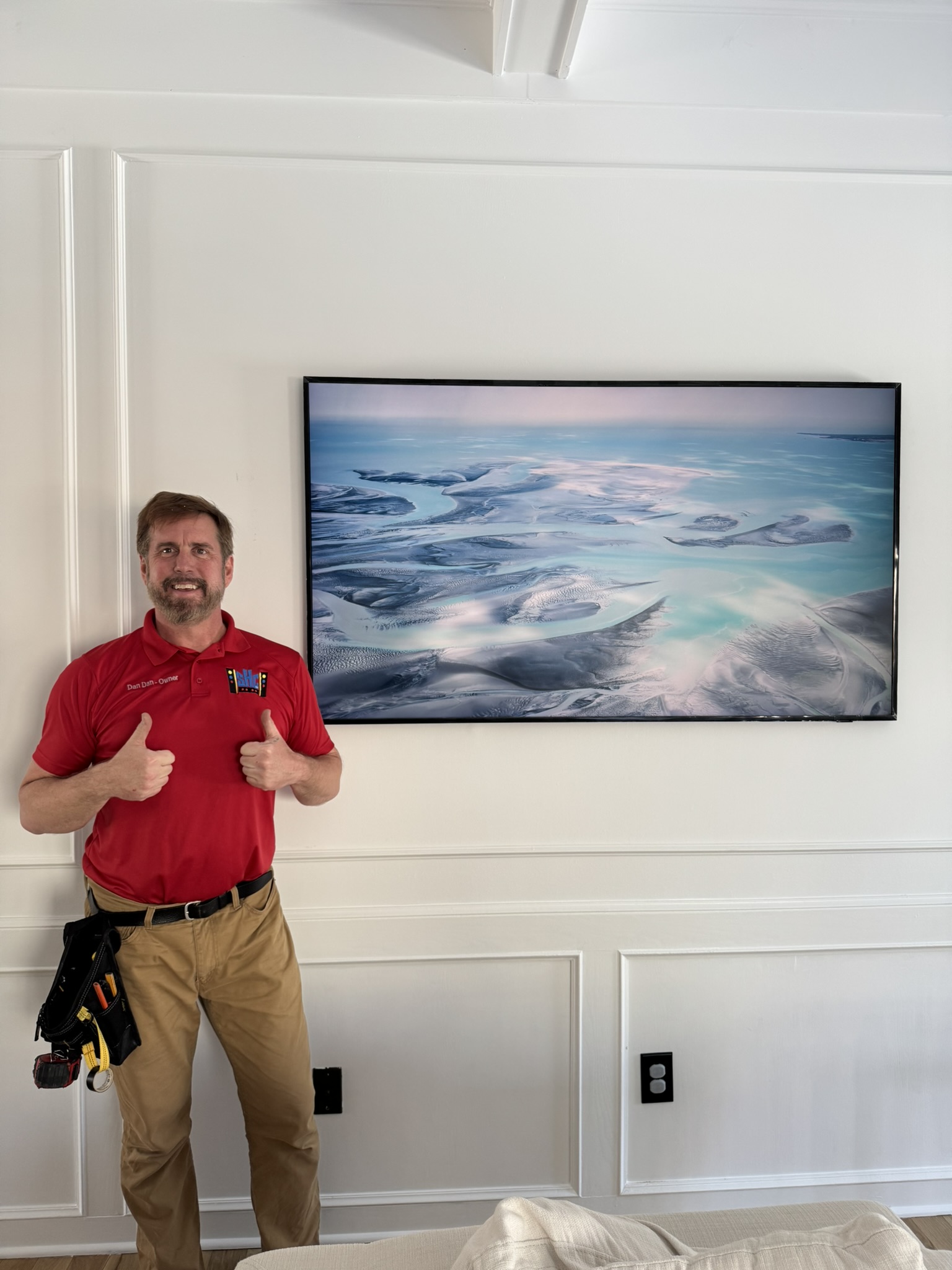
I am Dan, the owner of SmartHome Connect, based in Lenexa. I have been doing installs, from TV mounting to cameras, for more than 15 years and running SmartHome Connect since 2018. A recent job was a Ring camera above the garage in Overland Park, the same setup this post describes. Homeowners in Prairie Village, Mission, Merriam, Kansas City, KS, Kansas City, MO, and Lee’s Summit find us through 175+ Google reviews at 4.9 stars.
A two-story in south Overland Park with a three-car garage is a different job than a ranch in Prairie Village with one door and a short overhang. I plan around the house you have.
The plan is three steps
- Send a photo of the front of the garage and tell me what is mounted there now and where your router is.
- Get a firm price before any work starts, including whether a wired floodlight camera, a battery camera, or a Wi-Fi fix makes the most sense.
- I mount the camera, connect it to your Wi-Fi, set the motion zones in the Ring app, and walk you through it on your phone before I leave.
What you get, and what you avoid
Skip the plan and the usual problems show up. Dead batteries in the middle of winter. A camera that drops off Wi-Fi every night. Alerts every time a car drives by, until you mute them all. Video that shows the roofline and not the person in the driveway.
Do the plan and you get a clear view of the driveway, alerts that mean something, and a camera you never have to climb up to again.
Thinking about more than one camera?
The garage is a great first camera, and it pairs well with a video doorbell at the front door. If you are comparing Ring to a wired system, my post on Ring doorbells vs. a network camera system walks through which fits your home. For more coverage, see network camera installation.
Get eyes on your driveway
If you want a camera above the garage that stays powered, stays online, and only alerts you when it matters, that is the job. See Ring camera and doorbell installation for what is included. Call or text (913) 674-9723, email info@smarthomeconnectllc.com, or use the contact form. Tell me your city and send a photo of the garage.
Not ready to book? Read why a Ring doorbell stops working right, then call when you are ready.