
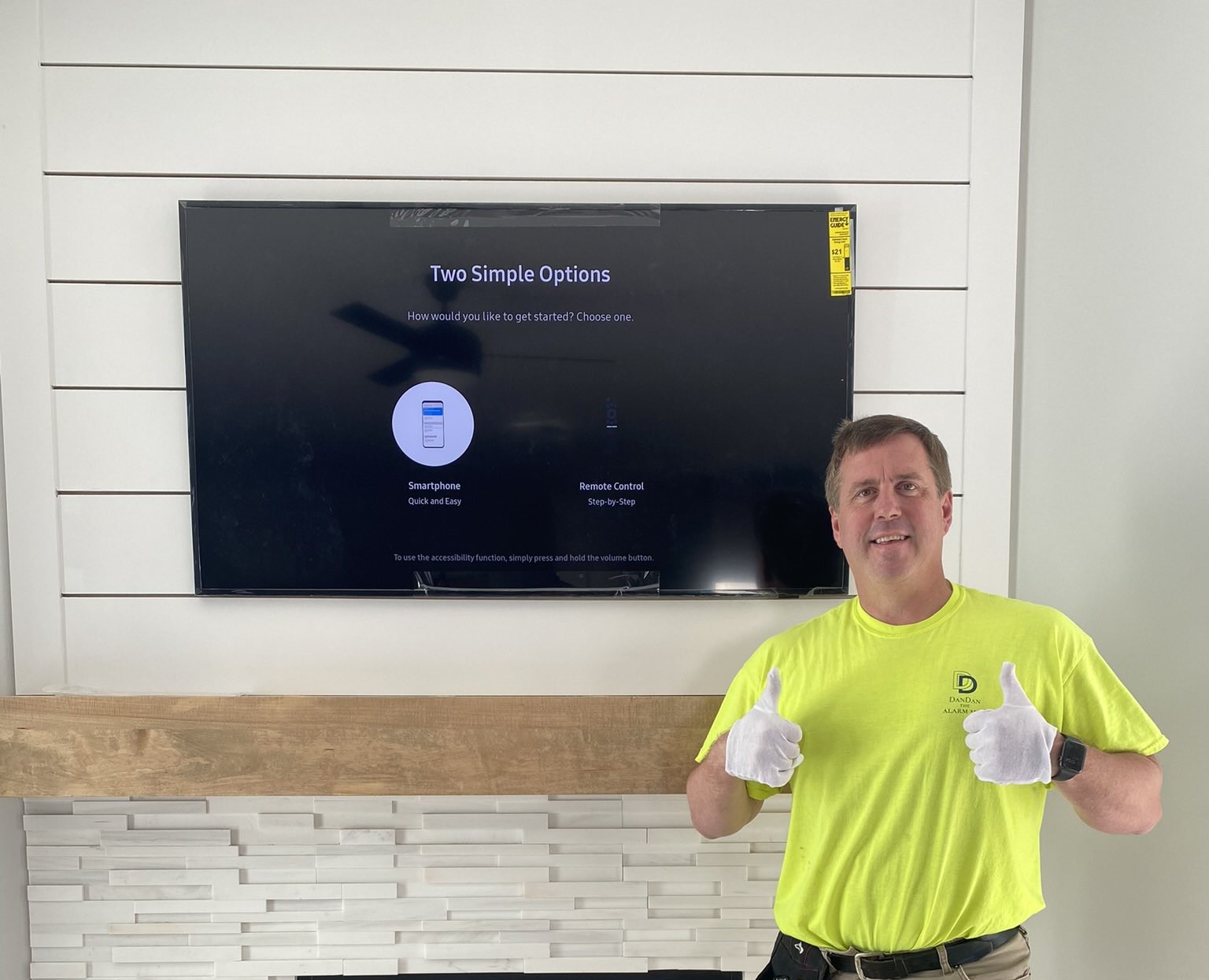
The TV is up, and it looks great until your eyes drop to the cords hanging under it: power, HDMI, maybe a soundbar cable, all running down the wall to an outlet near the floor. That is the first thing people notice when they walk in. If you want to hide TV wires in a Kansas City home, it is usually simple, but the right method depends on your wall and on which cord we are talking about.
Call or text (913) 674-9723 with a photo of the wall and the TV size, and I will tell you which option fits. Still comparing prices? Start with the Kansas City TV mounting cost guide.
You want the wall to look finished
Nobody mounts a TV hoping to see cords. The goal is a clean wall with the TV as the only thing on it. Homeowners in Lenexa, Overland Park, Olathe, Shawnee, and Leawood describe it the same way: they want it to look like it was built that way.
Not every cord can go in the wall
This is the part most DIY videos skip. There are two kinds of cables behind a TV.
- Low-voltage cables such as HDMI, optical audio, and network cable. These can run inside the wall when the wall allows it.
- The power cord. A regular TV power cord cannot run inside the wall under electrical code. Feeding it through the drywall down to the outlet is a common shortcut, and it is not the right one.
So hiding the power cord the right way means an outlet behind the TV. That is an add-on that starts at $200. Hiding the HDMI and other TV cables in the wall is included with basic mounting when the wall allows it.
Option 1: In-wall wire hiding
In-wall is the cleanest look. The cables go into the wall behind the TV and come back out low, near the outlet or your media console, so nothing shows from the couch.
It works best on standard interior drywall with an open path between the TV and the console. Many newer builds around Olathe, Lenexa, and Lee’s Summit have walls like that, but I check every one. Some walls make it harder or rule it out:
- Exterior walls with insulation and framing in the way.
- Brick, stone, or tile, including most fireplace surrounds.
- Older plaster walls, which you still find in parts of Prairie Village, Mission, and Kansas City, Missouri.
- A horizontal board inside the wall between where the TV goes and where the cables need to come out.
None of those automatically means no. They mean we look at the wall before anyone cuts. If you are planning the whole wall from scratch, the custom media walls guide shows how wiring gets planned in from the start.
Option 2: A paintable raceway
A raceway is a slim cover that mounts on the surface of the wall and holds the cables inside it. Painted to match the wall, it nearly disappears from across the room. Because the cords stay on the surface, a raceway can cover the power cord too.
A raceway makes sense when:
- The wall is brick, stone, or tile and a cable path through it is not realistic.
- You rent and cannot open the drywall. The apartment TV mounting guide covers that case.
- The TV goes on an exterior wall or a wall with no open path down.
- You expect to move the TV in a year or two and do not want new holes in the drywall.
It is not as invisible as in-wall, but a painted raceway looks far better than loose cords, and it is a fair trade when in-wall is not an option.
Option 3: A mix of both
Over a fireplace, it is common to use both. The TV cables go in the wall where there is a cavity, and a short raceway covers the part of the run that crosses stone or brick. Most over-fireplace jobs run $225–$400 depending on the bracket and whether the wires are hidden. The fireplace mounting guide walks through height and brackets before we get to the wires. If the TV ends up too high above the mantel, a MantelMount pulls it down to eye level.
Short cables are the other surprise
The HDMI cable that came in the box was made to reach a TV stand, not a wall. Once the TV is up and the cable runs through the wall to a console, it often comes up short. Longer cables start around $25. A soundbar, a game console, or a Samsung One Connect box changes the route, so tell me about them before we start. If you have The Frame, the Samsung The Frame install guide covers the One Connect box in detail.
I hide wires across the Kansas City metro every week
I am Dan, the owner of SmartHome Connect, based in Lenexa. I have been mounting TVs for more than 15 years and running SmartHome Connect since 2018. Homeowners in Overland Park, Olathe, Shawnee, Leawood, Prairie Village, Mission, Merriam, Kansas City, and Lee’s Summit find us through 175+ Google reviews at 4.9 stars.
A newer Lenexa two-story is not a 1950s ranch in Prairie Village. We plan for the wall you have, not the one in the video.
The plan is three steps
- Send a photo of the wall, the TV size, and what plugs into it.
- Get a firm price before any work starts, including whether in-wall, a raceway, or an outlet behind the TV fits your wall.
- I mount the TV level, hide the cables, connect your devices, and test everything with you before I leave.
What you get, and what you avoid
Skip the plan and the usual misses show up. A cord hanging in every photo. A power cord pushed through the drywall where it does not belong. An HDMI cable that is six inches short on install day.
Do the plan and the wall looks finished. Nothing hanging. Devices connected. Nothing to fix later.
Get those cords off the wall
Whether your TV is still on a stand or already on the wall with cords showing, that is the job. Basic TV mounting starts at $150 and includes the bracket and hiding the TV cables in the wall when the wall allows. Call or text (913) 674-9723, email info@smarthomeconnectllc.com, or use the contact form. Tell me your city, the TV size, and the kind of wall.
Not ready to book? Read the TV mounting cost guide or the TV mounting service page, then call when the wall plan is the only thing left.


(1) Comment
Get Your TV Mounted Before Thanksgiving in Kansas City - SmartHome Connect LLC
October 27, 2026[…] in a paintable cover on the wall. Which one fits depends on what is behind the drywall. My post on hiding TV wires in Kansas City explains in-wall vs. […]