Can Your Security Cameras Survive a Kansas City Storm?
Published May 2026 · By Dan, SmartHome Connect LLC · Lenexa, KS
Through April 27, the Kansas City area recorded 244 combined severe thunderstorm and tornado warnings — 54 more than the next closest year and 100 more than third place in historical records going back to 1986. And we haven’t even hit peak season yet. May and June are traditionally the worst months.
If you have outdoor security cameras — or you’re thinking about getting them — there’s a question worth asking right now: what happens to your system when a serious storm hits?
I install security camera systems across the KC metro, and I’ve seen what storm season does to equipment that wasn’t installed to handle it. Cameras ripped off walls by wind. WiFi systems that went dark the moment the power flickered. Footage gaps right when the homeowner needed it most — during the storm itself.
This is what separates a system that survives from one that doesn’t.
WiFi Cameras Fail First
Most consumer WiFi cameras — Ring, Arlo, Blink, Wyze — depend on three things all working at once: power, WiFi signal, and internet connectivity. A severe storm can knock out all three simultaneously.
When the power flickers, your router reboots. That takes 2-5 minutes. During those minutes, every WiFi camera in your home is offline. If the outage lasts longer, battery-powered cameras drain fast (especially in cold, rain, or constant motion alerts), and plug-in models go completely dark.
Cloud-dependent cameras have an additional problem: even if your camera has power and WiFi, it still needs to reach the cloud server to record. If your internet provider’s infrastructure takes a hit during the storm — which happens often in KC — your cameras are recording nothing.
PoE + NVR: The Storm-Proof Setup
A wired PoE camera system with a local NVR changes the equation. The cameras get power through ethernet cable, not a wall outlet that might be on a tripped breaker. The NVR records everything locally — no internet required. And with one smart addition, the whole system keeps running through extended outages.
That addition is a UPS (uninterruptible power supply). A battery backup unit that sits next to your NVR and your PoE switch. When the power goes out, the UPS kicks in automatically. A mid-range UPS ($80-$150) can keep a 4-8 camera NVR system running for 30-90 minutes — long enough to ride out most KC power interruptions.
For longer outages, the NVR saves the last recording timestamp and picks right back up when power returns. No footage is corrupted. No cameras need to reconnect to WiFi. No rebooting.
Weatherproofing Ratings Explained
Every outdoor camera has an IP (Ingress Protection) rating. The two numbers tell you how well it handles dust and water:
- IP65 — Protected against dust and low-pressure water jets. Fine for cameras under an eave or covered porch. Not enough for exposed mounting positions.
- IP66 — Protected against dust and heavy rain, including wind-driven rain. This is the minimum I recommend for any exposed outdoor camera in Kansas City.
- IP67 — Same as IP66 plus temporary submersion up to 1 meter. Useful for cameras mounted low on a wall or near a flood-prone area.
Cheap cameras often claim “weatherproof” without specifying an IP rating. If there’s no IP66 or higher on the spec sheet, assume the worst.
Mounting Position Matters as Much as the Camera
I’ve replaced cameras that were rated IP66 but still failed in a storm — because they were mounted in a position that exposed the cable entry point to driving rain, or the mounting bracket wasn’t secured well enough to handle sustained high winds.
Proper installation means:
- Cable entry facing down or to the side — never upward, where water pools into the connector
- Drip loops on exterior cables — a small U-bend that directs water away from the entry point
- Lag bolts into studs or masonry anchors — not drywall screws that pull out when the bracket catches wind
- Silicone seal around the cable entry — especially on stucco, brick, or concrete where gaps form naturally
None of this is complicated, but it’s the kind of detail that separates a professional install from a YouTube DIY job.
Hail Damage: The One Nobody Plans For
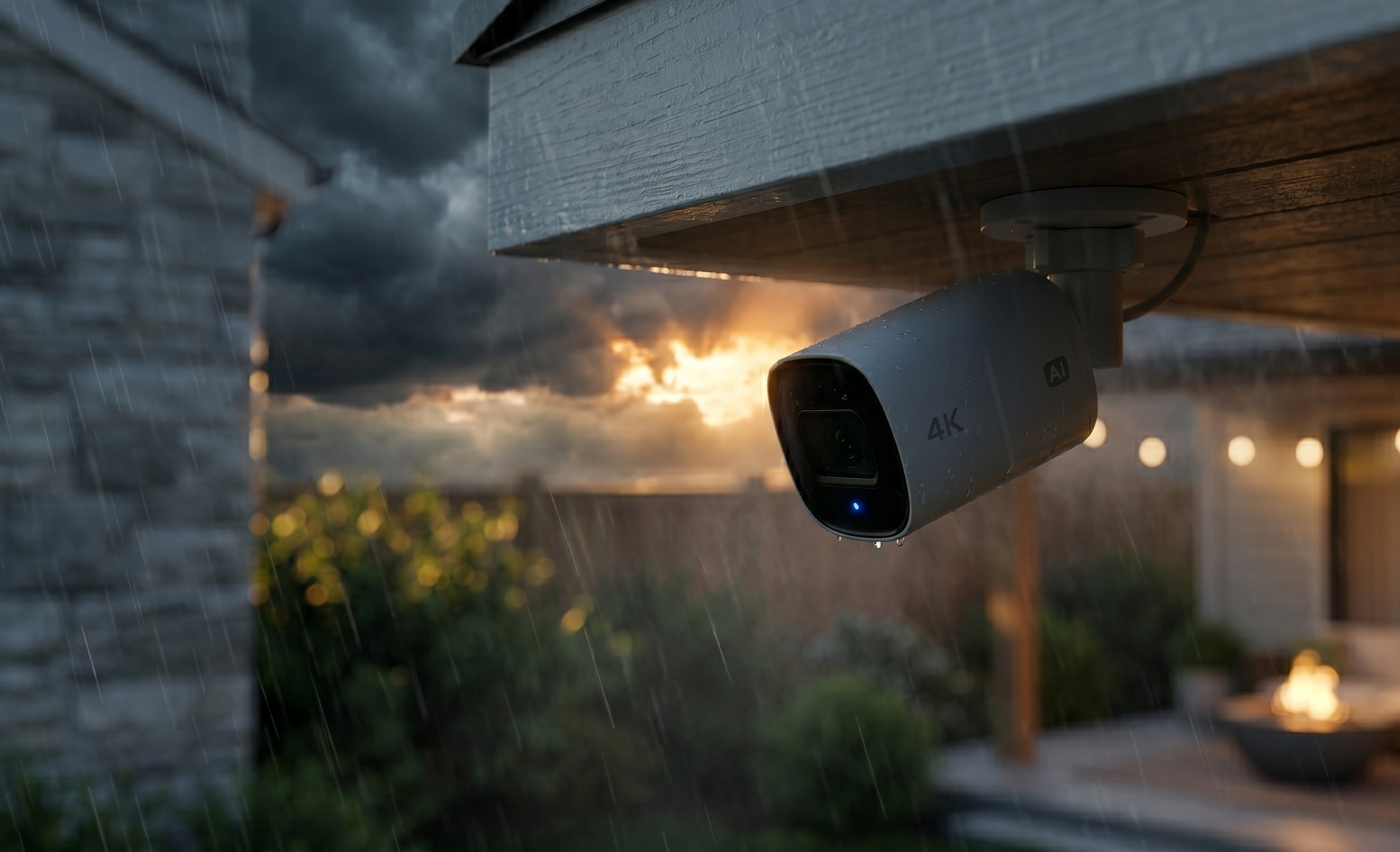
KC sees some serious hail — we had golf-ball-size hail in multiple storms already this year. A direct hail strike can crack a camera lens, dislodge the housing, or knock the unit off its mount entirely.
Two things reduce hail risk: mounting cameras under eave overhangs whenever possible (even a few inches of overhang helps), and choosing cameras with metal housings rather than all-plastic enclosures. Metal doesn’t crack on impact the way thin plastic does.
If a camera is fully exposed to the sky — like a rooftop mount or a pole mount — consider a protective shield or rain cover that angles impact away from the lens.
Post-Storm Walkthrough
After any severe storm, take five minutes to check your system:
- Open your camera app and verify every camera is online and recording
- Check the image from each camera — look for water droplets on the lens, shifted angles, or fogging inside the housing
- Walk the exterior and visually inspect mounts for loosening or damage
- If you have an NVR, check the hard drive status for any recording errors
- Clean any lenses that have debris or water spots
Most problems are minor and caught quickly if you check. The ones that turn into real issues are the cameras that went offline during the storm and nobody noticed for two weeks.
Storm Season Is the Reason to Get Serious
I wrote about spring security upgrades earlier this year, and several of those recommendations apply directly here. If you’ve been running WiFi cameras and hoping for the best, this record-setting storm season might be the push you need to go wired.
A professionally installed PoE camera system with local NVR storage and a UPS backup will keep recording through power outages, internet failures, and severe weather — exactly the moments when you need your cameras most.
I offer free property assessments where I walk your home, identify coverage gaps, and recommend the right system for your situation. No pressure.
Call or text (913) 674-9723 or visit smarthomeconnectllc.com/contact-us.
Serving Lenexa, Overland Park, Olathe, Shawnee, Leawood, and the full KC metro.