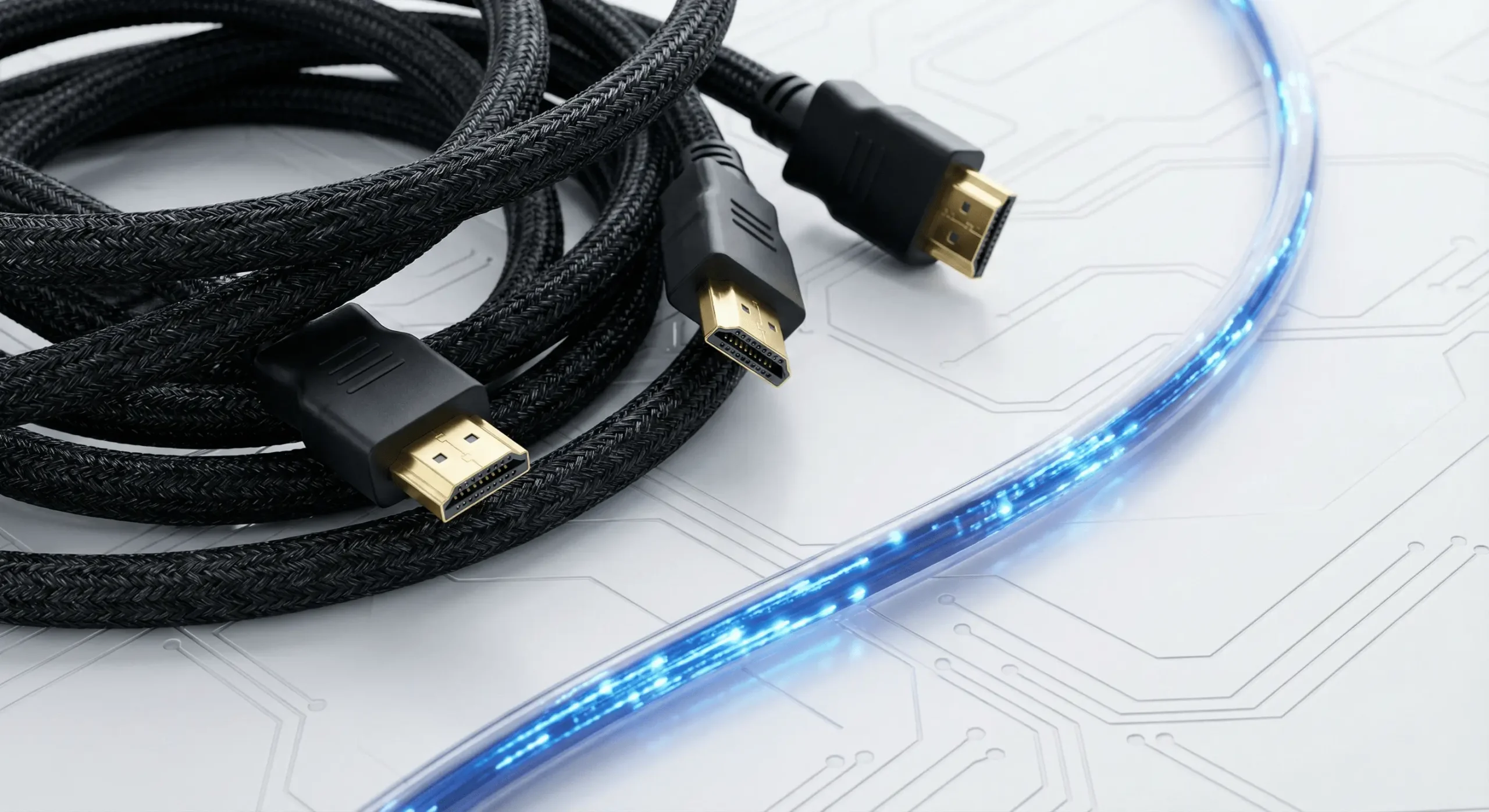
Do You Really Need to Spend $100 on a Gold-Plated HDMI Cable?
We have all been there. You just bought a beautiful new TV, and as you are checking out, the salesperson stops you.
They tell you that to get the “best possible picture” and “deepest blacks” from your new screen, you need the premium, gold-plated, nitrogen-injected HDMI cable that costs $100. They might even say your new TV won’t work well without it.
Is this true, or is it just a sales tactic?
At Smart Home Connect, we believe in transparency. Here is the honest truth about cables that most big-box stores won’t tell you.
Understanding How Digital Signals Actually Work
To understand why expensive cables are often a waste of money, you need to understand the difference between the old analog days and today’s digital world.
In the past, with analog cables (like the red, white, and yellow RCA cables), a higher quality cable did matter. A bad cable could introduce static, fuzziness, or “ghosting” in the image.
HDMI is different because it is a digital signal. It sends data as a series of 1s and 0s.
Think of it like sending an email. Whether you send an email from a $200 laptop or a $3,000 supercomputer, the text arrives exactly the same. The letters don’t get “sharper” just because the computer was more expensive.
Similarly, a $10 HDMI cable sends the exact same picture data as a $100 cable. If the signal makes it from the Blu-ray player to the TV, the picture quality will be identical. There is no such thing as a cable that makes the colors “more vibrant” or the sound “warmer.”
When You Actually Do Need to Pay Attention to Cable Quality
While you don’t need to spend a fortune, you cannot just grab an old cable from your junk drawer and expect it to work perfectly with modern gear.
The cable doesn’t change the picture quality, but it does have a speed limit. This is called Bandwidth.
If you have recently upgraded to a premium OLED or QLED TV, you are likely trying to push a lot of data—4K resolution, HDR (High Dynamic Range), and high frame rates.
If you use an old “Standard” HDMI cable, it might not be fast enough to carry all that data. The result won’t be a fuzzy picture; it will be a black screen, flickering, or the TV dropping down to a lower resolution automatically.
What to look for: Don’t look at the price tag or the gold plating. Look for the certification sticker on the box.
- High Speed HDMI: Good for standard 4K streaming (Netflix/Disney+).
- Ultra High Speed (HDMI 2.1): Necessary for the PS5, Xbox Series X, and high-end PCs to get 4K at 120Hz.
The One Scenario Where Expensive Cables Are Necessary
There is one major exception where spending money is required, and this is something we deal with constantly in professional installations.
Distance matters.
Standard copper HDMI cables become unreliable after about 15 to 20 feet. If you are trying to hide your cable box in a closet across the room to achieve that clean, wire-free look, a regular copper cable will fail.
For these long distances, we use Active Optical Cables (Fiber Optic). These cables use light instead of electricity to send the signal instantly over long distances without any loss. They are more expensive, but they are the only way to guarantee reliability for custom home theater setups.
The Verdict for Your Wallet
If your TV and your cable box are sitting right next to each other, do not spend $100 on a cable. A certified “Ultra High Speed” cable from a reputable brand on Amazon will cost you around $15-$20 and perform perfectly.
Save that money for things that actually improve your experience, like a better sound system or fixing the settings that cause the Soap Opera Effect on your new screen.
However, if you are planning a complex installation where equipment is hidden in a different room, consult a professional to ensure you have the right optical cabling infrastructure to avoid headaches down the road.